Neck pain from working at a computer is largely preventable. The main culprits are poor monitor positioning, prolonged sitting, and forward head posture, all of which place excessive strain on the cervical spine.
By adjusting your workstation setup, taking regular movement breaks, and strengthening the muscles that support your neck, you can protect yourself from chronic discomfort before it starts.
In this blog post, we’ll go through all of the recommendations we make to our San Diego chiropractic patients!
Why Computer Work Causes Neck Pain
The human head weighs approximately 10 to 12 pounds in a neutral position. But for every inch your head tilts forward (as it does when you stare down at a screen) the effective load on your cervical spine increases dramatically. This condition is commonly referred to as tech neck or text neck, and it has become one of the most widespread musculoskeletal complaints among office workers.
Several workplace habits contribute directly to neck pain:
- Monitor positioned too low or too high — forcing your neck into a sustained bend or extension
- Forward head posture — the head drifts in front of the shoulders, placing stress on the muscles, ligaments, and discs of the cervical spine
- Prolonged static sitting — staying in one position for hours reduces blood flow and causes muscle fatigue
- Slouching or rounding the upper back — the head compensates by jutting forward
- Looking to one side repeatedly — a monitor that is not centered in front of you forces repetitive rotation
- Tension and stress — stress causes the muscles of the neck and shoulders to tighten, adding to baseline discomfort
Over time, these habits do not just create soreness. They can contribute to disc degeneration, cervical misalignment, nerve compression, and persistent headaches. The good news is that most of these risk factors are directly within your control.
 Symptoms of Computer-Related Neck Pain
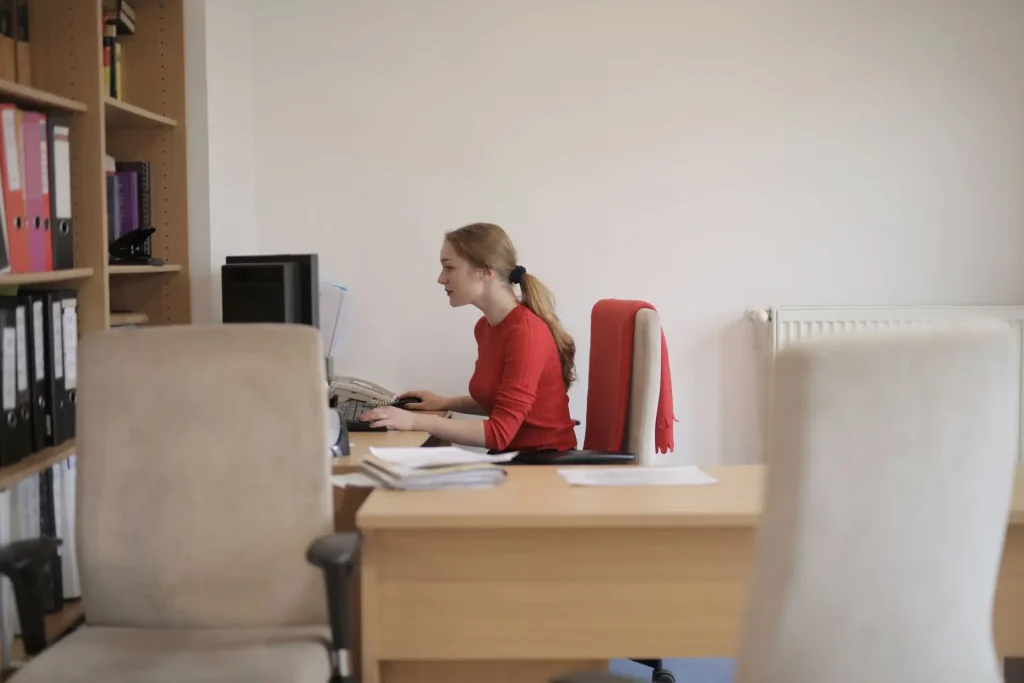 Symptoms of Computer-Related Neck Pain
Recognizing the early warning signs can help you take action before minor stiffness becomes a chronic problem. Common symptoms of neck pain that requires treatment include:
- Stiffness or tightness in the neck, especially after long work sessions
- Aching or soreness across the upper trapezius muscles and base of the skull
- Headaches that begin at the back of the head and radiate forward (often called cervicogenic headaches)
- Reduced range of motion — difficulty turning your head fully to each side
- Numbness or tingling into the shoulders, arms, or hands, which may indicate nerve involvement
- Muscle knots or trigger points in the neck and upper back
If you notice any numbness, tingling, weakness in the arms, or pain that does not improve with rest, these are signs that the issue may involve the nerves or discs of the cervical spine and warrant professional evaluation.
How to Prevent Neck Pain at a Computer
Set Up an Ergonomic Workstation
Your workstation is the foundation of neck health at work. Getting the setup right takes only a few minutes but can make a significant difference in how your neck feels at the end of the day.
- Monitor height — Position the top of your screen at or just below eye level, roughly an arm’s length away. This keeps your head in a neutral position and reduces forward tilt. Mayo Clinic recommends that your eyes land naturally in the top third of the screen.
- Chair height — Sit so that your feet are flat on the floor, knees bent at roughly 90 degrees, and thighs parallel to the ground. A slight recline of 25 to 30 degrees with good lumbar support reduces pressure throughout the spine.
- Keyboard and mouse placement — Keep both close to your body so that your forearms are parallel to the floor and your shoulders remain relaxed, not elevated or reaching forward.
- Laptop users — Laptop screens are almost always too low. Use a separate keyboard and raise the laptop on a stand to bring the screen to eye level.
- Monitor centering — Place the screen directly in front of you to avoid sustained rotation of the cervical spine to one side.
You can also try standing desks to help your posture.
Take Movement Breaks
Even a perfectly ergonomic setup cannot overcome the effects of prolonged static posture. Movement is essential. Set a timer to stand up and move every 30 to 45 minutes. Walk to a colleague’s desk, walk to the kitchen, or simply stand and perform a few stretches.
This restores blood flow, resets muscle tension, and reduces cumulative load on the cervical spine.
Stretches and Exercises to Relieve and Prevent Neck Pain
Incorporating a few simple movements throughout your workday can significantly reduce your risk of developing neck pain. Try these regularly:
- Chin tucks — Without tilting your head up or down, gently draw your chin straight back as if making a double chin. Hold for 2 to 3 seconds and repeat 10 times. This is one of the most effective exercises for correcting forward head posture.
- Neck range of motion — Slowly turn your head left, right, up, and down to full comfortable range. Repeat every hour or so to maintain mobility and reduce stiffness.
- Upper trapezius stretch — Tilt your head gently toward one shoulder, place the same-side hand on your head, and apply light downward pressure for 20 to 30 seconds. Switch sides.
- Shoulder blade squeezes — Pull your shoulder blades together and slightly downward, hold for 5 seconds, and release. This counters the rounded shoulder posture that contributes to neck strain.
- Look up — Specifically counteracting the chronic downward gaze of screen work, periodically extend your neck upward and hold for a few seconds. Do this every 10 to 15 minutes if your work involves sustained screen time.
Check out these exercises that can help strengthen your core and improve posture.
Strengthen Your Neck and Upper Back
Postural muscles that are weak cannot hold your head in a proper position for long. Strengthening the deep cervical flexors, upper back, and posterior shoulder muscles provides the structural support your neck needs throughout the day. Exercises like rows, reverse flys, and prone back extensions can be incorporated into a regular fitness routine.
Aerobic exercise also plays a supportive role. Consistent cardio activity has been shown to contribute to overall spinal health.
When to See a Chiropractor for Neck Pain
Not all neck pain resolves on its own. You should seek professional evaluation if you experience any of the following:
- Neck pain that has persisted for more than two to three weeks without improvement
- Pain that worsens over time rather than improving
- Numbness, tingling, or weakness radiating into your arms or hands
- Severe pain following an injury or accident
- Headaches that accompany neck stiffness on a regular basis
- Difficulty turning your head to one or both sides
These symptoms may indicate cervical misalignment, disc involvement, or nerve compression that benefits from specific chiropractic care. Waiting too long can allow compensatory patterns to set in, making correction more complex. Early evaluation gives you more options and typically leads to faster resolution.
“I had an absolutely wonderful experience at this chiropractic office. My pain was relieved almost immediately after receiving shockwave and laser treatments. The care was effective, professional, and exceeded my expectations. Dr. Tapia is knowledgeable, attentive, and very easy to communicate with, making the entire process comfortable and reassuring. I highly recommend this office to anyone seeking relief from pain.” – Intouch Chiropractic Review by Jennifer V.
Frequently Asked Questions About Preventing Neck Pain While at a Computer
How many hours at a computer is too many for neck health?
There is no universally safe number of hours, but the research is clear that uninterrupted sitting is the real problem. Working at a computer for 8 hours with regular movement breaks and good posture is far less harmful than working for 4 hours in a slouched, static position. Taking a 2 to 3 minute movement break every 30 to 45 minutes significantly reduces cumulative cervical load throughout the day.
Can a standing desk prevent neck pain?
A standing desk can help, but only if used correctly. Standing with your monitor too low is just as problematic as sitting with it too low. The key principles remain the same: screen at eye level, shoulders relaxed, and position varied frequently. Alternating between sitting and standing is generally more effective than standing all day, which can cause its own fatigue and discomfort.
Is neck cracking at home safe for computer neck pain?
Self-manipulation of the neck, such as forcefully cracking it yourself, is not recommended. It may provide temporary relief by releasing gas in the joint, but it does not address underlying misalignment or muscle imbalance and can potentially cause injury if done incorrectly. If your neck feels like it needs to be adjusted frequently, that is a signal worth discussing with a qualified chiropractor.
How long does tech neck take to develop?
Tech neck can develop gradually over weeks to months of poor posture and prolonged screen use. Many people do not notice significant symptoms until the condition has progressed. That is why preventive habits, like proper monitor height and regular stretching, matter even when you are not yet experiencing pain.
Can chiropractic care fix neck pain from computer work?
Yes, chiropractic care can be highly effective for computer-related neck pain, particularly when misalignment of the cervical spine is a contributing factor. NUCCA chiropractic, which focuses on the upper cervical region, is especially well-suited for addressing the types of structural imbalances that result from prolonged forward head posture. Combined with ergonomic improvements and targeted exercises, chiropractic care provides both relief and long-term prevention.
At Intouch Chiropractic, we specialize in NUCCA chiropractic care. Many of our San Diego patients come in with chronic neck pain related to computer work and experience significant relief without medication or invasive procedures. We also offer ergonomic guidance to help you make the right changes at your desk so the problem does not keep coming back.
Ready to get your neck checked? Call our office at (619) 756-7510 or request an appointment online. We are here to help you get back to feeling your best.